Your AI Rollout Is Complete. But Is Your Workforce Still Guessing how to use it
2026-10-27

You can give every employee access to AI. Helping them know what to do with it requires a different kind of support.
The licences have been purchased. The announcement has gone out. Employees have attended an introductory session.
From a project perspective, the rollout may be complete.
Then Monday morning arrives.
Someone in marketing needs to promote an offer. A manager needs to prepare a staff briefing. An administrator has rough meeting notes to organise. A customer service employee needs to answer a difficult complaint.
They open their AI tool and face the same question:
“How do I tell it what I need?”
Until employees can move beyond that hesitation, part of the organisation’s investment remains an opportunity waiting to be used.
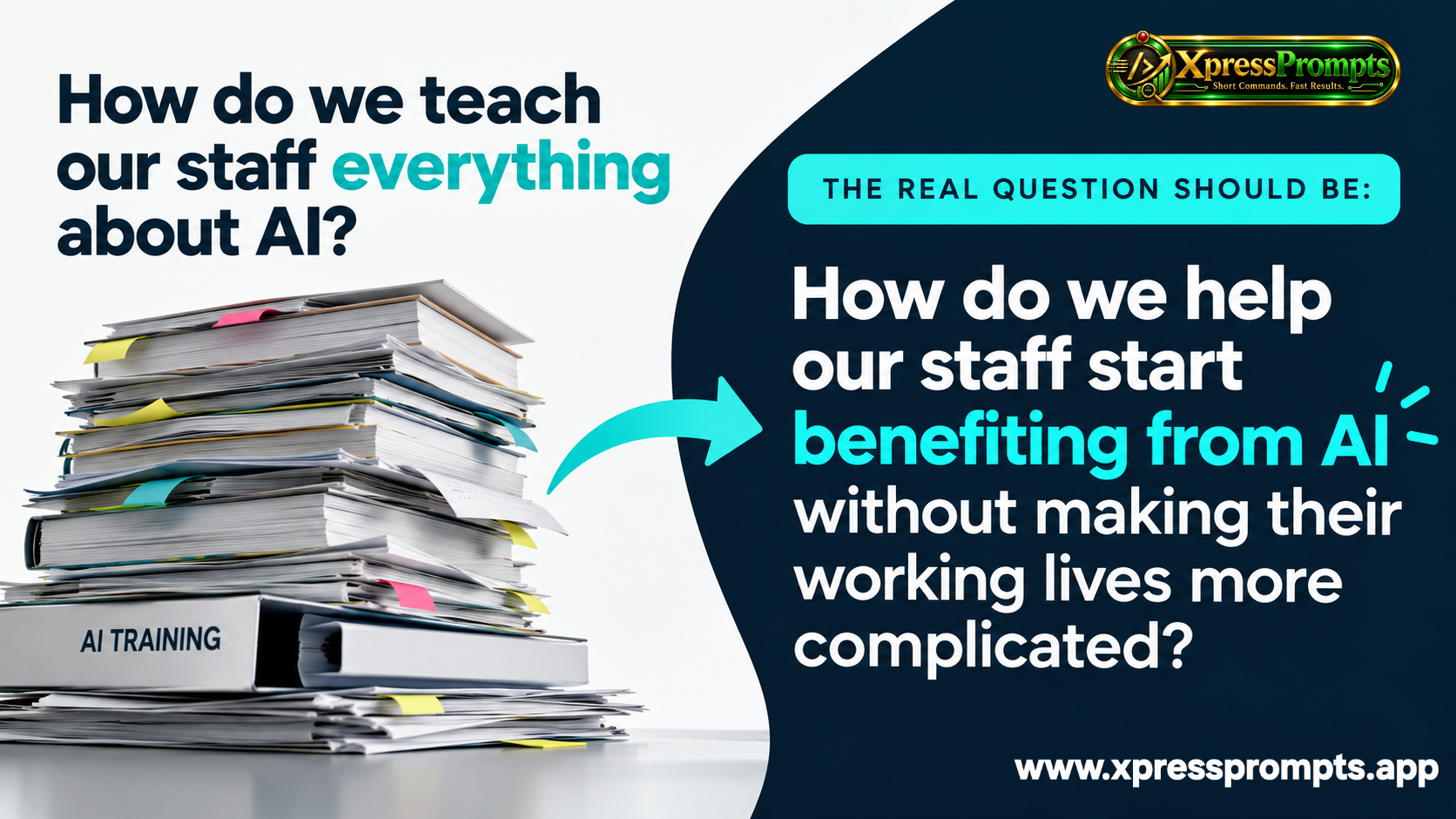
Has AI become another subject employees must study?
Employees already have jobs to do, deadlines to meet and systems to navigate.
If using AI feels like another qualification they must master before it becomes useful, adoption can become an additional burden.
There is a substantial difference between understanding an AI demonstration and applying it independently to a new task.
During training, the example is prepared. The instructor explains the context. The intended result is clear.
Back at work, the employee starts with incomplete notes, competing priorities and a task that looks different from the demonstration.
That is the moment when accessible support matters.
The cost of training extends beyond the invoice
Workshops and courses have a valuable role. They can introduce approved tools, explain information-handling rules and teach employees how to check outputs.
But relying on extensive training as the main route to everyday capability creates practical challenges.
People need time away from their roles. Different departments need different examples. New starters need onboarding. Employees encounter unfamiliar tasks after the session has ended.
An organisation can find itself repeatedly explaining how to begin.
The question for leaders becomes:
How can we make useful guidance available whenever the task arises?
A dictionary offers a familiar answer
Nobody expects an employee to memorise every word in a dictionary before writing an email.
They look up what they need.
XpressPrompts™ applies that principle to communicating with AI.
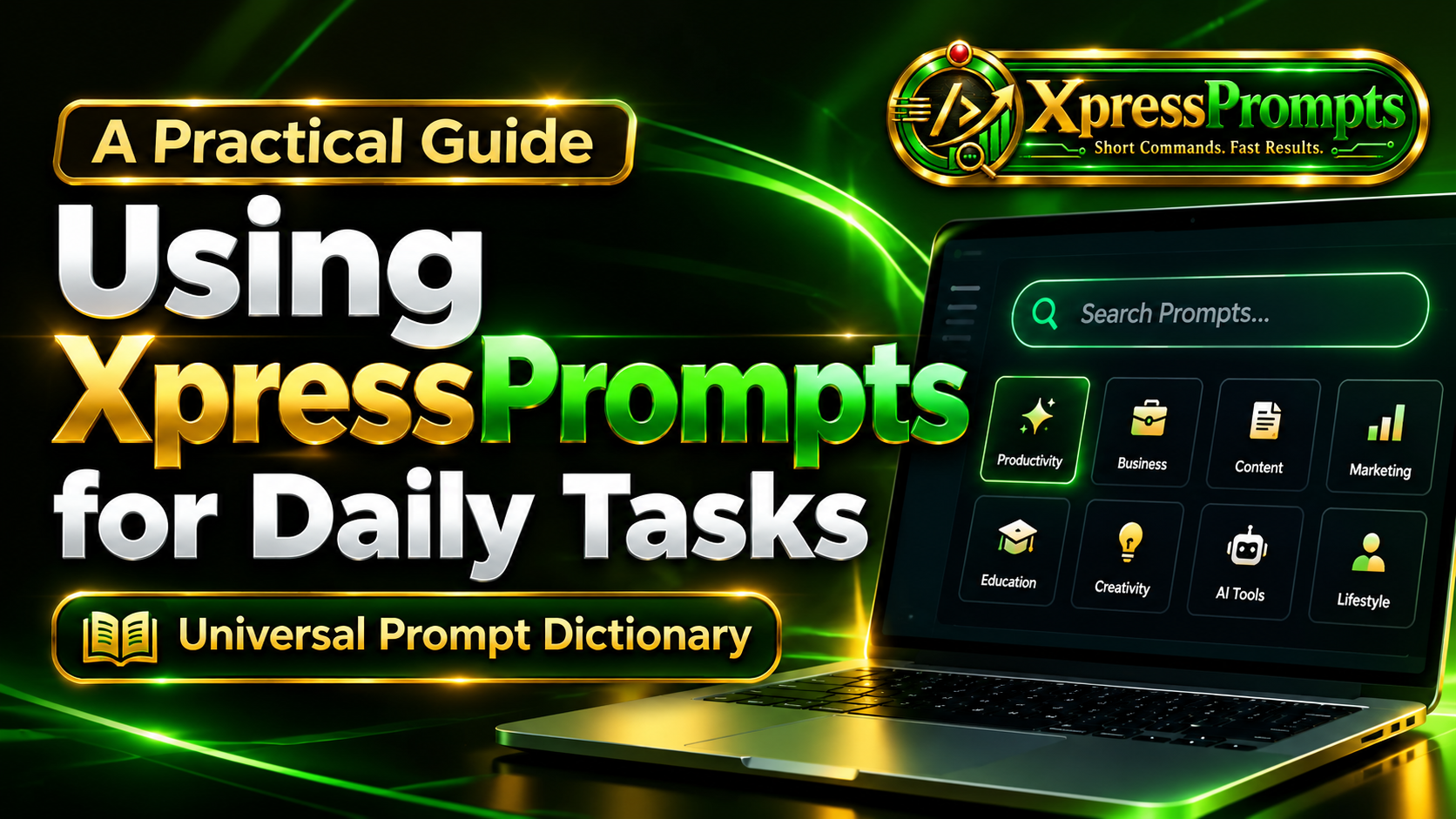
Its searchable short-command dictionary helps employees find a starting point for the task they want to complete. They choose a command, add their requirements and copy the instruction into their chosen AI tool.
The starting question becomes:
“What do I need to get done?”
That is a question employees can answer from their own experience.
One shared resource. Different departmental needs.
A workforce does not need identical instructions. It needs accessible support relevant to different responsibilities.
Marketing may need an advert or campaign brief. HR may need a job description. Operations may need a report. Customer service may need a clear response. Managers may need meeting notes turned into actions.
XpressPrompts provides a common way to find task-based instructions across those needs.
Consider an employee preparing a report from rough notes.
They understand what happened. Their difficulty is turning those observations into a clear document.
They find the relevant command, add the facts they have and take the instruction into their organisation’s approved AI tool. They review the draft, correct inaccuracies and supply anything missing.
The employee brings the knowledge. The command provides a starting structure. Human judgement determines whether the result is ready to use.
Why XpressPrompts offers a practical alternative
A downloaded prompt list requires employees to locate the right document and search through its contents.
A remembered example depends on recalling it when needed.
Repeated training requires scheduling, delivery and time.
XpressPrompts offers a searchable resource employees can return to as their tasks change. Its value proposition is straightforward: reduce the effort involved in finding and expressing a useful instruction.
It can complement essential organisational training while reducing reliance on lengthy instruction-writing and memorisation.
For enterprise buyers, the distinction matters. Employees need both an understanding of responsible AI use and a practical route to getting started.
Start with a whole-team ambition and a focused pilot
Supporting every department does not require launching a complicated programme everywhere at once.
Start with a small selection of recurring tasks across several teams.
Agree what a usable result looks like. Compare the existing approach with supported AI use. Include the time employees spend reviewing, correcting and finishing the work.
Look for answers to practical questions:
- Can employees find a relevant command independently?
- Does the result meet the task’s requirements?
- How much editing is needed?
- Do employees return when a similar task arises?
- Which departments need additional guidance?
That evidence can guide wider adoption and show where support needs refining.
Discover where your workforce needs help
Some organisations are exploring AI. Others have access but uneven confidence. Some have enthusiastic individual users and need a consistent approach across teams.
The AI Workforce Readiness Assessment helps you explore five areas:
Exploration & Foundations. Confidence & Capability. Everyday Execution. Support & Enablement. Consistency & Scale.
It provides a personalised starting point for understanding where your organisation could improve adoption and everyday execution.
Your rollout may be complete. The next step is helping employees turn that access into useful work.
Take the free 2-minute AI Workforce Readiness Assessment and receive your personalised report:
https://www.qualiquiz.app/quiz/discover-your-ai-workforce-readiness-assessment-report
Free • No obligation • Personalised results
Refer this article to a friend https://web.aipromptshortcuts.app/refer-a-friend