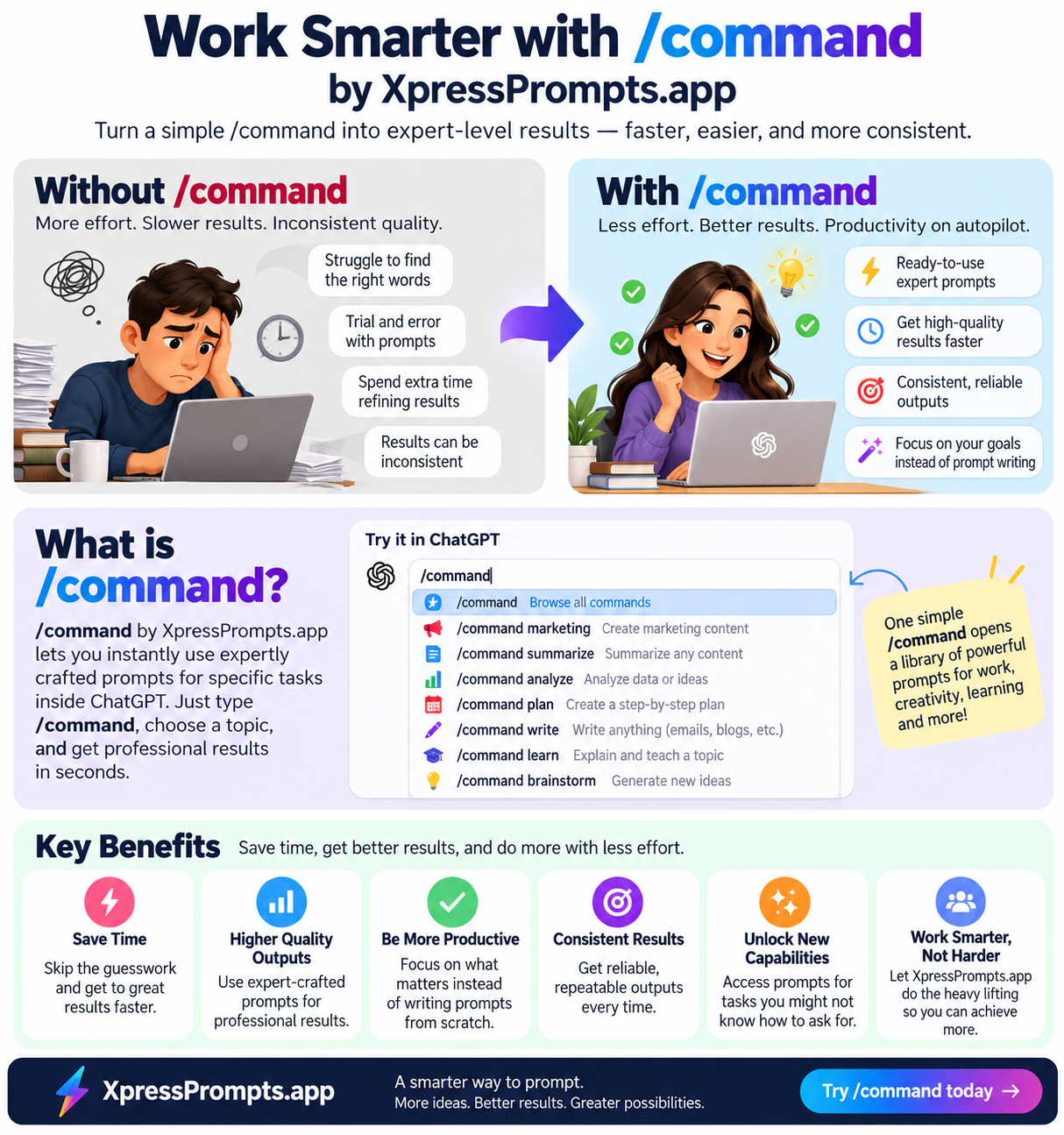

A Practical Guide to Using XpressPrompts for Daily Tasks using a Universal Prompt Dictionary
2026-10-25
Why XpressPrompts can make your day easier
If your workday often feels like a long to-do list with no end in sight, XpressPrompts can be a real help. It gives you quick, ready-made commands you can use to speed up common tasks, without starting from scratch every time.
For busy UK small-business owners, managers, admins and students, that means less time wrestling with blank pages and more time getting things done.
The best part? You don’t need to be a tech expert. You just choose the right command, add your details, and let it do the heavy lifting.
Start with the tasks you do most often
The easiest way to use XpressPrompts is to begin with the jobs that pop up again and again.
For example:
- Sending invoices or chasing payments
- Writing short website or social media copy
- Creating reports and summaries
- Planning marketing activity
- Drafting professional messages
- Organising meetings, events or projects
If you’re spending too long on these, there’s probably a shortcut that can help.

Save time on everyday admin
Admin tasks may be simple, but they can eat up a surprising amount of your day. XpressPrompts can help you turn rough notes into polished communication in seconds.
For instance, if you need to email a client an invoice, /invoice-email can help you draft a clear, polite message.
Need to follow up with a client or supplier? /respond-to-this can help you create a calm, professional reply to their message.
If you’re dealing with customer issues, /payment-complaint is useful for shaping a firm but professional response.
And if you’re working with new clients, /client-onboarding can help you build a smooth welcome process from the start.
Make writing faster and less stressful
A lot of people use XpressPrompts because it removes the awkward first step of writing.
Instead of wondering how to begin, you can use commands such as:
- /website-intro for a short introduction to your website
- /homepage for homepage content
- /local-blog for a local business blog post
- /content-ideas when you need fresh marketing angles
- /instagram-caption for quick social posts
- /youtube-description when posting video content
These are especially handy if you’re juggling content alongside everything else in the business.
For example, a salon owner could use /local-blog to write a customer-focused post for Birmingham, then pair it with /instagram-caption for a social update the same afternoon.
Get support with marketing and promotion
Marketing is one of those tasks that often gets pushed to the bottom of the list. XpressPrompts can help you plan it properly without overthinking.
Useful commands include:
- /promotion-ideas for fresh ways to promote your service
- /promotion-checklist to stay organised before launch day
- /marketing-calendar for planning content over weeks or months
- /service-promotion to create a simple offer message
- /offer-ad for a short, punchy advert
If you’re not sure what to promote next, /new-service-idea can help you spot ways to expand what you already offer.
This is especially useful for small businesses trying to stay visible without hiring extra help.
Stay on top of planning and reporting
XpressPrompts is also useful when you need to turn messy notes into something clear and usable.
A few examples:
- /budget-summary for a simple financial overview
- /financial-snapshot for a one-page look at money coming in and going out
- /project-progress-report for progress updates
- /weekly-site-report for a concise client update
- /briefing-note-public when you need a clear summary for senior staff
These commands can be a lifesaver when you’ve got the information already, but not the time to shape it into a finished document.
Use it for work, study and career growth too
XpressPrompts isn’t just for business admin. It can also support study, training and career development.
For example:
- /define for simple explanations of tricky terms
- /feedback-comments to turn notes into constructive feedback
- /career-plan for mapping out your next steps
- /star-answer to prepare for interviews
- /research-outline when starting a bigger piece of work
That makes it useful for students, line managers, apprentices and anyone looking to grow in their role.
A simple way to get better results
To get the most from XpressPrompts, try this approach:
1. Pick one task you do often.
2. Choose the matching command.
3. Add the key facts, names, dates or goals.
4. Check the result and tweak it to suit your tone.
The more you use it, the easier it gets to see which commands save you the most time.
A small change that adds up fast
You do not need to rebuild your whole workflow to benefit from XpressPrompts. Even using it for a few regular tasks can free up time, reduce stress and help you sound more polished and professional.
Start with the jobs that slow you down most, like emails, content, summaries and planning. Then build from there.
If you’d like instant access to a growing library of practical shortcuts, you can get started from just £27/year.