Stop Using ChatGPT Like a Search Engine. Make AI work for you
2026-09-06
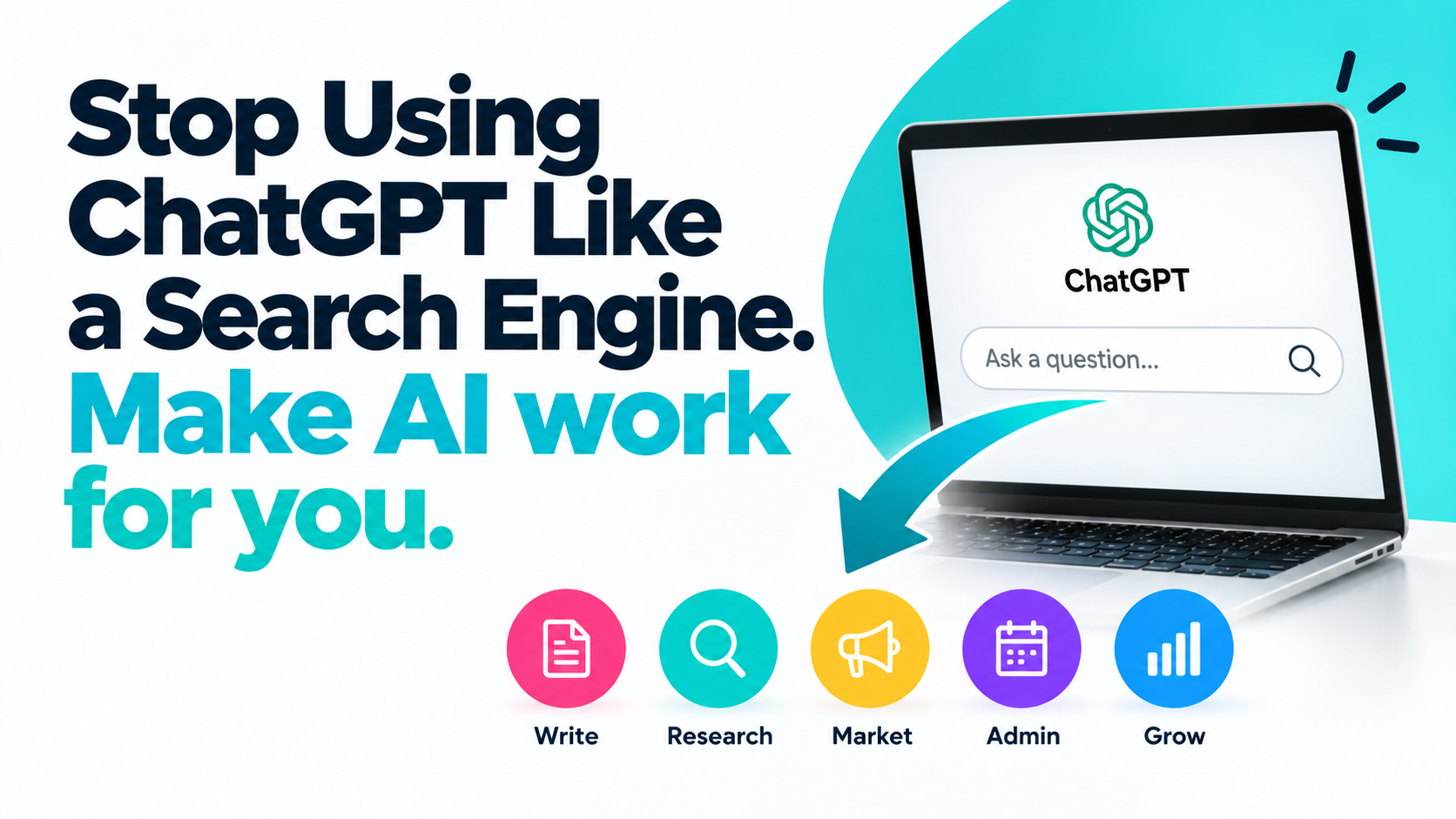
Stop Using ChatGPT Like a Search Engine: Make AI Work for You
Still using ChatGPT just to ask questions? Discover how AI can help with marketing, admin, writing and business tasks using simple XpressPrompts commands.
You're Probably Only Scratching the Surface of What AI Can Do
Think about the last time you opened ChatGPT.
Did you type a question, read the answer and close the window?
Perhaps you asked it to explain something, find an idea or give you some information.
There's nothing wrong with that. Millions of people use AI this way, and it can be incredibly useful.
But here's the problem.
If you're only using ChatGPT to ask questions, you're missing much of what makes artificial intelligence so powerful.
You're treating a tool capable of helping you create, organise, analyse, plan and solve problems as though it were simply a more conversational search engine.

And that's a missed opportunity.
Because ChatGPT, Claude and Gemini can do much more than give you answers.
They can help you get things done.
The Difference Between Searching for Information and Getting Work Done
Let's look at a simple example.
Imagine you're a small business owner who wants to attract more customers through Facebook.
You could open ChatGPT and ask:
*"How do I create a good Facebook advert?"*
AI might explain how to write an attention-grabbing headline, identify your audience and include a call to action.
Useful information.
But now you have to take that advice and write the advert yourself.
What if you asked AI to do the task instead?
*"Write three Facebook adverts for my local cleaning business. Target busy homeowners within 10 miles of Dudley. Highlight our reliable service and free quotations. Use a friendly, professional tone and include a clear call to action."*
Now you're getting something you can actually work with.
You've moved from asking AI to explain a task to asking AI to help complete it.
That's the difference between using AI for information and using AI for productivity.
And the same principle applies to hundreds of everyday tasks.
AI Can Be Much More Than a Question-and-Answer Tool
Think about the work you do each day.
How much time do you spend writing, planning, organising information or trying to find the right words?
These are all areas where AI may be able to help.
1. Your Writing Assistant
Struggling to write a professional email?
Need to turn rough notes into a clear document?
Want to improve the wording of a letter or announcement?
AI can help draft, rewrite, shorten, expand and structure your content.
You don't need to be a professional writer. You need to communicate what you're trying to achieve.
For example, instead of asking:
*"How do I write a professional email?"*
Try:
*"Turn these rough notes into a polite, professional email. Keep it friendly, clear and under 200 words."*
You provide the information. AI helps you present it.
2. Your Marketing Assistant
Marketing can be time-consuming, especially for small businesses without dedicated marketing teams.
You need social media posts, promotional emails, advert copy, product descriptions and fresh content ideas.
AI can help you create first drafts for all of these.
You could ask it to develop a week's worth of Facebook posts, suggest promotional headlines or turn a product description into an engaging sales message.
Instead of spending time staring at a blank page, you have something to review and refine.
3. Your Administrative Assistant
Administration is one of those areas where small tasks quickly add up.
Meeting notes need organising.
Emails need drafting.
Documents need summarising.
Actions need recording.
AI can help turn unstructured information into something useful.
For example, paste non-confidential meeting notes into an approved AI assistant and ask it to organise them into decisions, action points, responsibilities and deadlines.
Suddenly, a page of scattered notes becomes a structured document.
You still check it for accuracy, but you no longer have to start from scratch.
4. Your Research Assistant
AI can also help you explore topics, compare ideas, understand complex information and identify questions worth investigating.
Rather than simply asking for a definition, you can ask AI to compare options, explain advantages and disadvantages or organise research findings.
However, AI-generated information isn't automatically accurate or current. Important facts, figures and sources should always be verified.
The value isn't just getting an answer.
It's having assistance with understanding and working through information.
5. Your Business Brainstorming Partner
Running a business means constantly making decisions.
How could you improve customer retention?
What new services might your customers appreciate?
How could you describe your business more effectively?
AI can help you explore possibilities, challenge assumptions and organise ideas.
It won't replace your experience or business judgement.
But it can give you a useful starting point when you need fresh thinking.
So Why Aren't More People Using AI This Way?
One of the biggest barriers is surprisingly simple.
People don't always know what to ask.
They know ChatGPT can do impressive things.
They've seen demonstrations and heard stories about AI transforming productivity.
But when they open an AI assistant, they're faced with an empty message box.
And a blinking cursor.
What do you type?
How much detail should you provide?
Do you need to learn prompt engineering?
Is there a special formula for getting good results?
For many people, that's where the uncertainty begins.
Instead of exploring what AI could do for them, they return to asking simple questions.
Not because they lack ability.
But because they haven't been given an easy way to get started.
The Shortcut: Stop Writing Complicated Prompts From Scratch
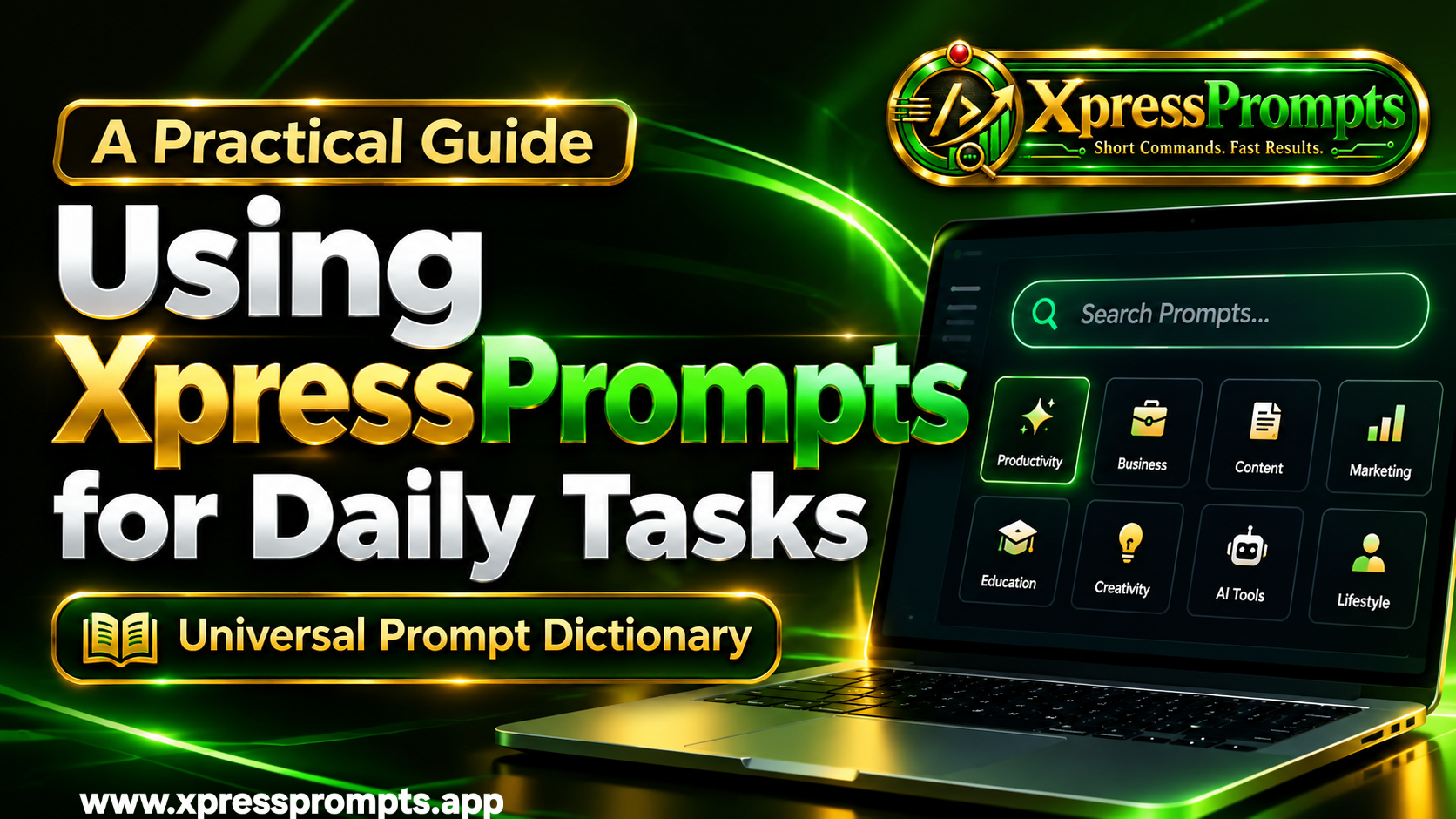
This is where XpressPrompts comes in.
The idea behind XpressPrompts is straightforward:
You shouldn't need to become an expert in prompt engineering to make useful things happen with AI.
Instead of spending time writing long, detailed instructions, you can start with a simple short-command prompt linked to the task you want to complete.
Think of it as choosing what you want AI to do rather than having to work out how to tell it.
Here are three examples.
/facebook-ad — Create Facebook Advertising Copy
Need to promote a product, service or special offer?
Instead of researching how to structure a Facebook advert, start with the `/facebook-ad` command in XpressPrompts.
Provide a few details about your business, your audience and what you're promoting.
The corresponding prompt helps guide AI towards creating relevant advertising copy.
You can then review the suggestions, adjust the wording and choose an approach that suits your business.
/meeting-minutes — Organise Meeting Notes
Meeting finished?
Got pages of rough notes that need turning into something professional?
Use `/meeting-minutes` to get started.
With the appropriate prompt, an AI assistant can help turn your notes into a structured record with sections for discussion points, decisions and actions.
Check the finished document against what was actually agreed, and you have a much more manageable starting point.
/customer-reactivation — Reconnect With Previous Customers
Every business has customers who haven't returned for a while.
But finding the right words to reconnect can be difficult.
You don't want to sound pushy.
The Real Opportunity Isn't Better Answers. It's Better Workflows.
This is what I believe organisations and individuals should be thinking about.
We often talk about how intelligent AI is.
How much information it has.
How quickly it can respond.
How impressive its capabilities have become.
But for most people, the real question is much simpler.
What can this technology actually help me get done?
Because the true value of AI isn't measured by how many questions you ask it.
It's measured by how effectively you can use it to support your everyday work.
If you spend 30 minutes learning how to write a complicated prompt for a task that should take five minutes, are you really becoming more productive?
If you attend hours of AI training but still don't know what to type when you open ChatGPT, has that training delivered what you actually need?
And if AI is supposed to make working life easier, why should learning how to use it become another complicated responsibility?
Perhaps it's time we stopped focusing so much on teaching people how to prompt AI and started helping them use AI to accomplish real tasks.
That's the thinking behind XpressPrompts.
A simple approach that puts the task first, provides the instructions and lets people learn through doing.
No need to remember hundreds of prompts.
No need to start from a blank screen every time.
No need to become an AI expert before you can begin.
Just find what you want to do, choose the appropriate command, add your details and let your AI assistant help you get started.
Stop Just Asking AI Questions. Start Giving It Jobs.
The next time you open ChatGPT, Claude or Gemini, try something different.
Instead of asking, "How do I do this?"
Ask, "Can you help me do this?"
It's a small change in how you approach AI, but it can make a significant difference to what you get out of it.
AI isn't here simply to give us more information to read.
It can help us turn ideas into drafts, rough notes into organised documents and everyday tasks into more manageable workflows.
And the easier we make that process, the more people can start experiencing its benefits.
That's why XpressPrompts exists. To make using AI simpler, more practical and more accessible to everyone.
Because the future of AI productivity shouldn't depend on how much technical knowledge you can memorise.
It should depend on what you can achieve.
Ready to Stop Searching and Start Doing?
Discover how XpressPrompts helps you turn everyday tasks into clear AI instructions using simple, searchable short commands.
Less time figuring out what to ask. More time getting things done.
XpressPrompts — Better prompts. Better commands. Better results.
You want to remind people why they chose your business in the first place.
The `/customer-reactivation` command provides a starting point for creating friendly, persuasive communications designed to reconnect with previous customers.
You provide the context. AI helps you draft the message.
And you decide what is appropriate to send.